Digital display boards for the shop floor
Plants already run on boards — shift, target, safety days, this week's notice. A digital display keeps all of it current from one console, and keeps playing when the plant network does not.
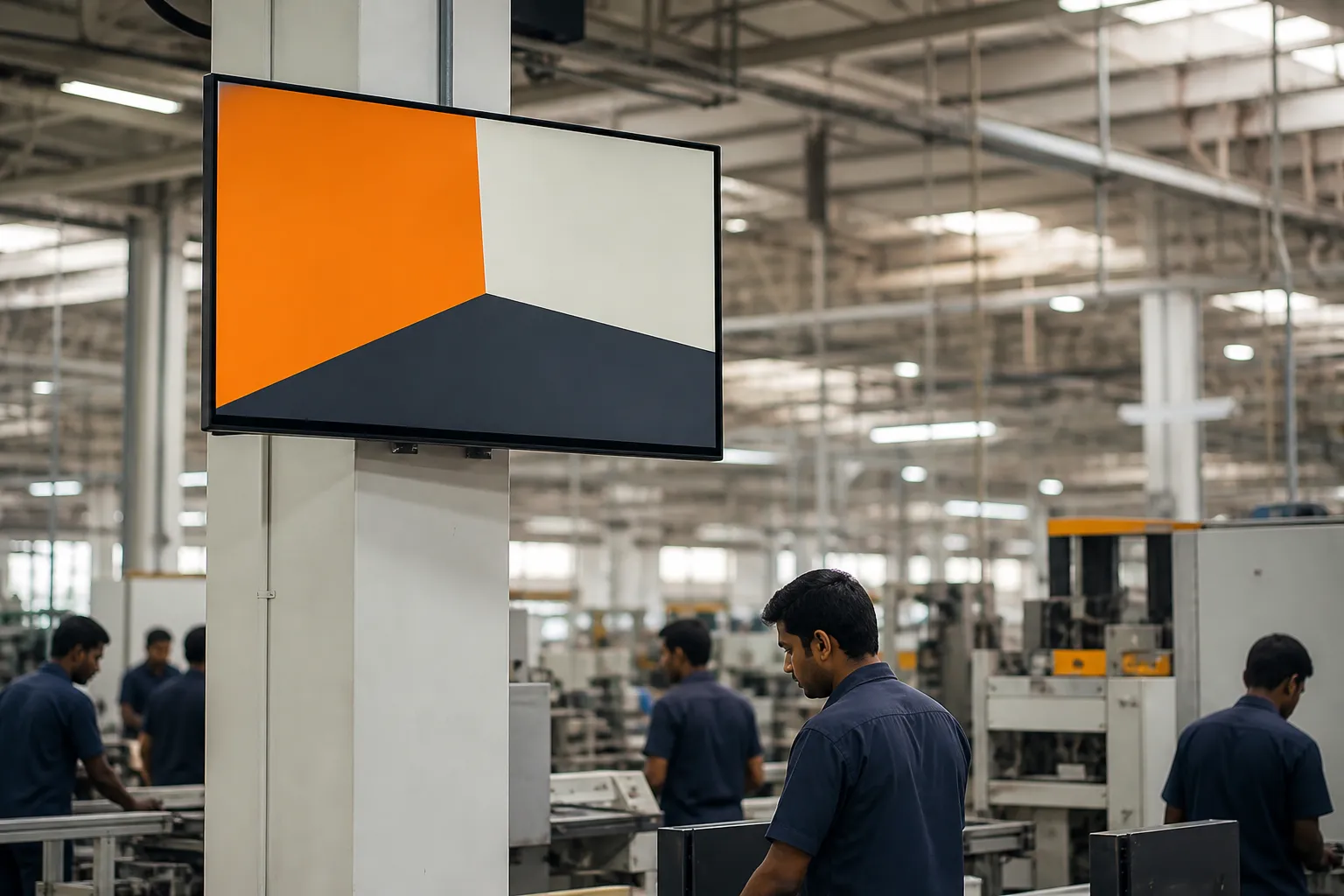
The boards a plant already has
Walk any plant and the information is already on the walls: the shift chart by the time office, a whiteboard with today's target, a laminated sheet of PPE rules, a hand-written count of days since the last lost-time injury, and a cork board where this month's circular is pinned over last month's. None of it is wrong. All of it is maintained by somebody walking round with a marker.
A factory digital display is the same set of boards, kept current from a console instead. The value is not novelty — it is that the information stops being stale the moment nobody has time to update it.
What to show, by location
| Where | What earns the space |
|---|---|
| Main gate and security | Site safety rules, contractor and visitor instructions, days without incident, the one company message everyone must see. |
| Time office and punching area | Shift timings and changes, attendance and payroll dates, leave policy, training schedules, internal job postings. |
| Canteen | Longer messages, recognition and safety champions, festivals, wellness camps, CSR and leadership updates. |
| Shop floor and line | Area-specific safety, the week's toolbox topic, quality or housekeeping standards, shift handover notes. |
| Stores and dispatch | Loading and unloading rules, forklift routes, vehicle and gate pass instructions. |
What a plant environment demands of the screen
It must survive the network
Plant Wi-Fi is patchy by nature. The display holds its content locally, plays through an outage and catches up afterwards.
It must be readable at distance
One idea per notice, a headline that carries the message on its own, and enough contrast to work under high-bay lighting.
It must not need a site visit
Content, schedule and screen status are managed centrally. Nobody drives to a plant to change what is on a wall.
It must report itself
A television switched off or a stick unplugged is visible from head office the same day, not discovered weeks later.
Shift patterns change what "current" means
A plant running three shifts has three audiences, and the same screen is read by all of them at different hours. Two practical consequences:
- Schedule around shift change. The fifteen minutes when one shift leaves and the next arrives is the highest-traffic moment a plant screen has. Notices that matter should be running then.
- Assume nobody was at the briefing. Anything covered verbally at the start of a shift should also be on the screen for the whole day, so the people who were on the line during the briefing still get it.
Screens at a plant are grouped as a site, so the plant's own notices go to its own screens while company-wide announcements still reach everywhere — and a site login publishes only to its own plant, never to another.
Questions people ask
What should a factory display board show?
Shift timings and changes, area-specific safety rules and the week's toolbox topic, days without a lost-time injury, contractor and visitor instructions, training and payroll dates, and recognition for the site's own people. Keep one idea per screen and rotate rather than crowding everything on at once.
Can the display work without reliable internet?
Yes. The screen downloads content when the connection is available and plays it from local storage, so an outage does not blank the board. It syncs new notices and reports its status whenever the network returns.
What hardware does a shop-floor display need?
A commercial or consumer television with an HDMI port and either an Android TV stick or a smart TV whose browser can open the player. Mount it where it is out of the path of forklifts and material movement, on a stable power supply, and prefer a wired connection or a nearby access point if the area has weak Wi-Fi.
Can each plant control its own screens?
Yes. Screens are grouped by site, and a site login reaches only its own group, with head office able to publish across all sites. That keeps local notices local without every message having to be raised centrally.
How do we know a screen at a remote plant is actually on?
Every screen reports when it last synced and what it is playing, so a display that has been switched off, unplugged or left on a frozen frame shows up in the console as offline rather than being noticed on the next site visit.
See a shop-floor display running your own content
Tell us what your boards carry today — shift, targets, safety days, notices — and we will show the same thing running from a console, on a screen, in your brand.