Rolling out digital signage across factories
The screens are the easy part. What decides whether plant signage is still running next year is who owns the content, how the network is handled, and how far you go before proving it works.
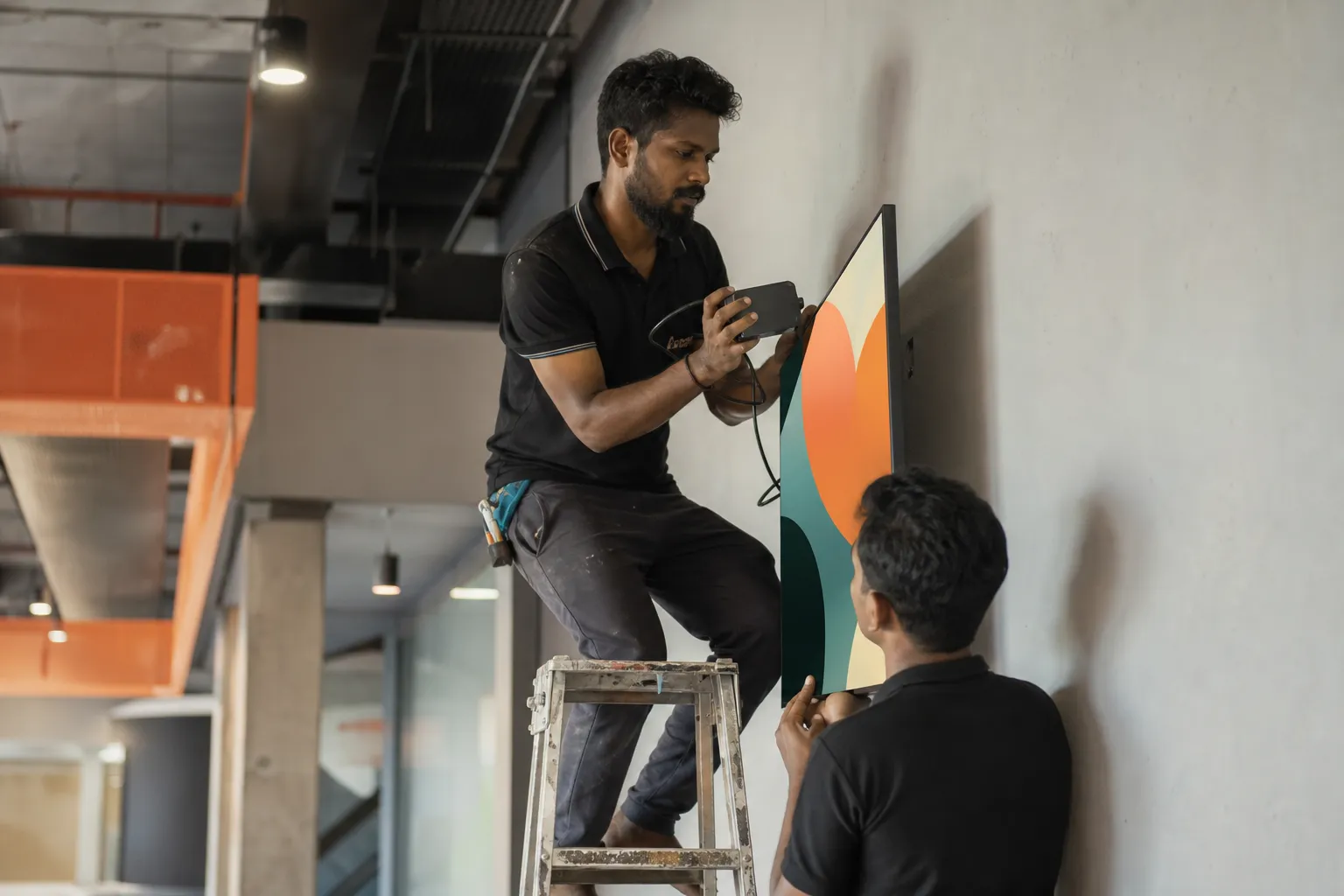
Start at one site, not at all of them
The rollout that works starts with two or three screens at a single plant — canteen, main gate, time office — and a month of content scheduled before the first screen is switched on. That is enough to answer the questions that decide everything else: who writes the notices, how long it takes, whether the network holds, and whether people actually stop and read.
The rollout that stalls starts with forty screens across six plants, an empty content calendar and one person expected to fill it. The hardware is never what fails.
Hardware and network, plainly
| Decision | What usually works in a plant |
|---|---|
| Screen | A consumer television is fine in a canteen or office area. Use a commercial panel where it runs long hours, sits in bright daylight, or must be portrait. |
| Player | An Android TV stick or box on each screen, or the built-in browser on a smart TV where nothing can be plugged in. |
| Network | Wired where you can reach it. Where you cannot, expect intermittent Wi-Fi and rely on the screen's offline playback rather than on coverage. |
| Power | A supply that is not switched off with the lights at night, or every screen needs somebody to turn it on each morning. |
| Mounting | Out of the path of forklifts and material movement, high enough to be seen over a crowd at shift change, angled away from direct sun. |
Offline playback is the single most important technical requirement in a factory. A screen that blanks whenever plant Wi-Fi drops trains people to stop looking at it, and no amount of good content recovers that.
Governance before logins
Agree these while the pilot is running, not after the second plant goes live:
- Who creates at each site — usually site HR or the EHS coordinator.
- Who approves before anything reaches a screen.
- What is company-wide and may only be published by head office.
- What each site may publish to its own screens without asking.
- Who is called when a screen at a remote plant goes offline.
The software should hold these rules rather than a policy document: a site login that can technically publish to another plant eventually will.
Content ownership is the real cost
Screens and sticks are a one-off line item that most plants can absorb. The recurring cost is somebody producing notices every week, in several languages, for every site — and that is what quietly kills signage projects a few months in.
Two things bring it down to something sustainable: automatic writing and design from a short brief, so raising a notice takes minutes rather than an afternoon; and a shared library of ready-made posters for the recurring topics — safety, wellness, festivals, hiring — that every plant draws from instead of each making its own.
A rollout in four steps
- Pilot. One plant, three screens, one month of scheduled content, one named owner. Run it for six weeks.
- Fix the rhythm. Decide the weekly slots and the monthly refresh, and make them somebody's standing task rather than a volunteer effort.
- Add plants, not screens. Take the working pattern to the next site before adding a fourth screen to the first one.
- Retire the paper boards at each site once its screens are trusted. Keeping both splits attention and brings back every problem you started with.
Questions people ask
How much does digital signage for a factory cost?
Budget for three things: the screens you do not already own, a player for each screen, and a subscription per screen for the software. The screens and players are a one-off; the recurring cost is the subscription and, more importantly, the time somebody spends producing content — which is why automatic writing and design changes the total more than hardware choices do.
How many screens does a plant need?
Three is a good start for most plants: main gate, time office and canteen. Add shop-floor and stores screens once the content rhythm is established, since an extra screen with nothing new on it adds nothing.
Do we need IT staff at every plant?
No. Screens are managed centrally and report their own status, so the site's involvement is limited to power, mounting and switching a screen back on. Anything that requires a site visit to change what is displayed has been set up wrongly.
Can we run signage across plants in different states and languages?
Yes, and that is the common case. Screens are grouped by site, notices are published to the sites you choose, and the same announcement can be produced in Hindi, Marathi, Tamil, Telugu, Gujarati, Bengali or Kannada so each plant's screens speak the language of the people in front of them.
What makes factory signage projects fail?
Three things, in order: nobody owning the content after the launch, screens that blank when the network drops, and starting at too many sites before the content rhythm exists. Hardware faults are far down the list.
Plan your rollout with us
Bring your site list and one plant's floor plan. We will work through screens, hardware, network and who publishes what — and show the console running your own content.