How to Reach Frontline Employees: Communication for Plants, Warehouses and Shop Floors
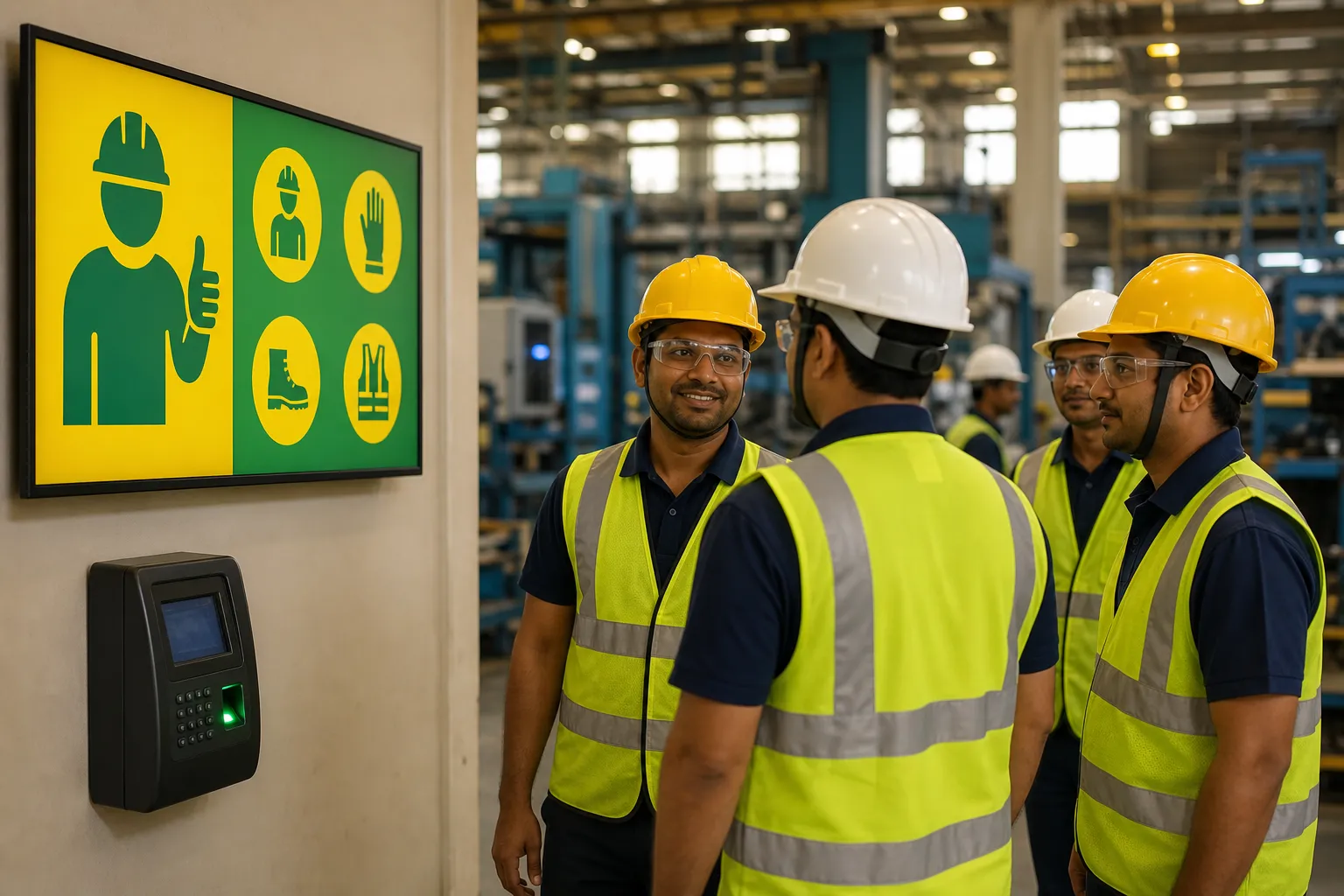
In a plant, a warehouse or a hospital, most employees are not at a desk. They may not have a company email address, they cannot read their phones on the line, and they work in shifts that never overlap with the people writing the announcements. Here is how to reach them anyway.
Why frontline communication breaks down
Internal communication tools are usually designed for office workers. Email, the intranet and collaboration apps all assume a person at a screen for most of the day. Frontline, or deskless, employees get the message second-hand — from a supervisor at the start of a shift, if the supervisor remembers, or from a printout on a board, if they happen to look.
The result is familiar: safety updates that reach one shift but not the next, policy changes the night shift hears about weeks late, and a sense at remote sites that head office is talking to someone else. Each of these is a communication problem, and each one shows up later as a safety, attendance or engagement problem.
Go where people already are
Frontline communication works when it meets people in the places they pass every shift, without asking them to do anything:
- The entrance and security gate — everyone passes it, twice a day.
- The time office or attendance point — a natural pause in every shift.
- The canteen — the one place people sit still for twenty minutes.
- Near the line or in the rest area — for shift-specific and safety messages.
A screen in each of these places, playing current notices, reaches every employee on every shift — including the ones no email will ever reach. This is the role of a digital notice board.
Speak their language
A workforce in Pune, Chennai, Surat and Kolkata does not read one language. A notice written only in English is, for many frontline employees, a notice for someone else. Publish in the regional language of each site — Marathi, Tamil, Gujarati, Bengali, Hindi — and use plain, spoken workplace language rather than a word-for-word translation of an HR circular.
IRISBOARD writes notices directly in English, Hindi, Marathi, Tamil, Telugu, Gujarati, Bengali and Kannada, so each site's screens can carry the same message in the language its people read.
Keep it short and visual
Frontline messages are read on the move. One idea per notice, a large headline, a picture that shows the point — a hard hat, a calendar, a smiling colleague — and a single line of detail. If the message needs a paragraph, it needs a supervisor's briefing as well, and the screen's job is to back that briefing up.
Match the message to the site and the shift
Not every notice belongs everywhere. A machine-maintenance shutdown at one plant is noise at another. Group screens by site, and publish:
- Company-wide messages — values, leadership updates, holidays — to every screen.
- Site messages — shift changes, local events, a visiting auditor — only to that site's screens.
- Timed messages — scheduled for the shift-change window, the lunch break, or the week before a deadline.
Letting each site's HR or admin publish to its own screens — and only its own — keeps local messages local without every notice having to go through head office.
Make urgent messages impossible to miss
When something happens — a fire drill, a heat-wave advisory, a road closure affecting the company bus — it has to reach the floor now, not at the next team meeting. A flash notice that takes over the selected screens immediately is one of the few ways to reach every person on a large site within minutes.
Keep it running without an IT project
Plants have patchy Wi-Fi and few IT staff. Whatever you use should run on the TVs you already have, keep playing when the network drops, and be manageable from one central console so nobody has to visit a site to change what is on a screen. Screens should report whether they are online, so a dark screen at a remote warehouse is noticed from head office rather than weeks later.
Recognition travels furthest
The notices frontline employees look at most are the ones about people they know: a safety champion, a 25-year anniversary, the team that hit its target. A regular recognition slot does more for engagement at a remote site than any policy poster — and it gives people a reason to look at the screen, which means the policy poster gets seen too. See twelve HR announcements that work well on a screen for more ideas.
A checklist for frontline communication
- Screens at the entrance, time office and canteen of every site.
- Notices in the language each site actually reads.
- One idea per notice, readable from across the room.
- Site-level publishing with central approval.
- Scheduling by site, day and time — and flash notices for emergencies.
- Screens that keep playing offline and report when they are down.
- A standing slot for recognition.