Corporate TV: the screens in your offices, doing something useful
Most office televisions show a news channel or a black rectangle. The same screens can carry company news, welcome the visitors who are actually in the building, and keep every office saying the same thing.
The screens are already there
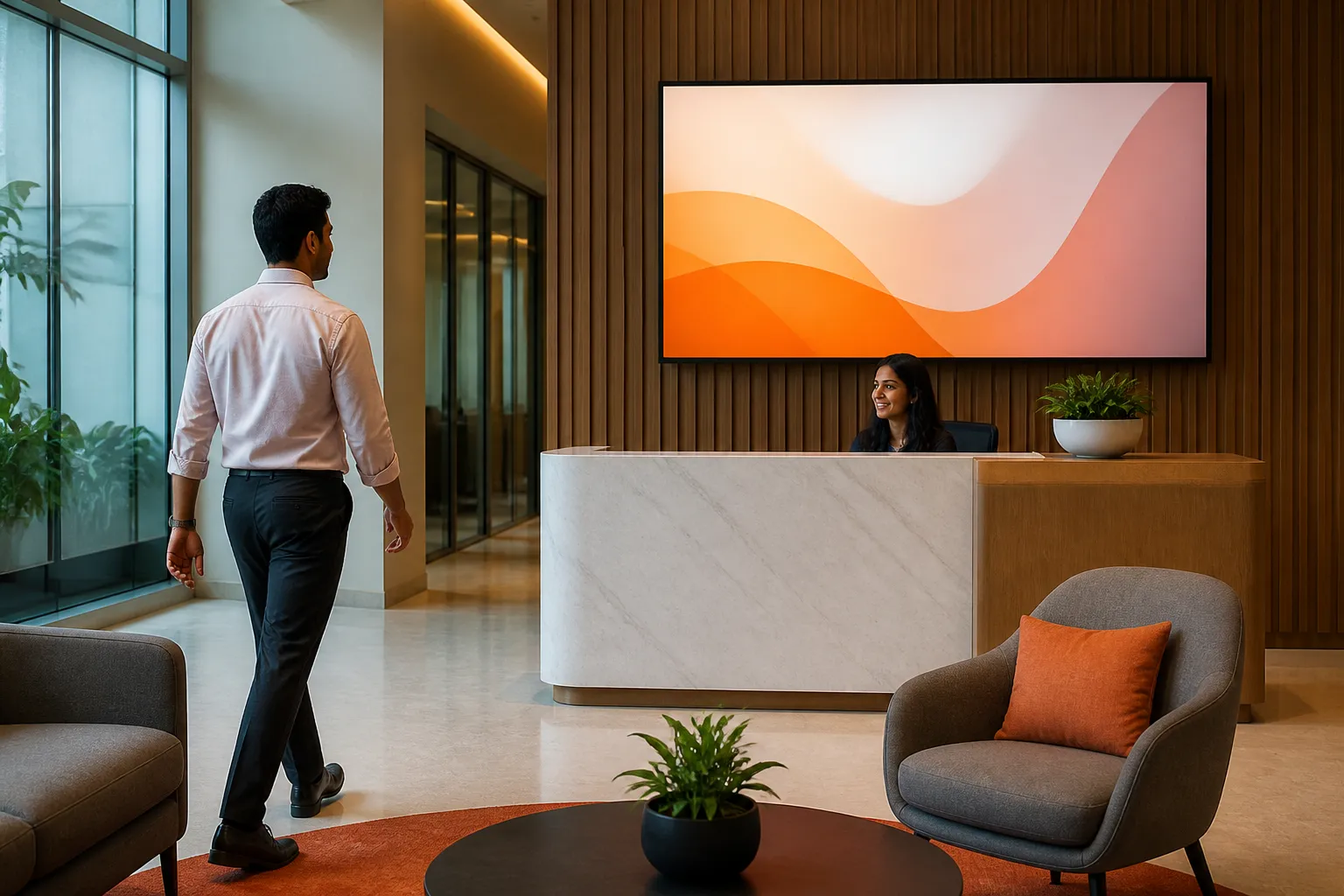
Reception has one. The cafeteria has one. There is usually a large screen outside the boardroom and another by the lifts. Between them they show a muted news channel, a screen saver, or nothing. It is the most visible unused real estate a company owns, and the people walking past it are staff, candidates, customers and auditors.
Corporate TV simply means those screens run a programme the company chooses: a rotation of company news, values, recognition, visitor welcomes and whatever is happening this week — kept current from a console rather than by somebody plugging in a USB stick.
What each screen is for
Reception and lobby
A welcome for the visitors actually expected today, wifi and safety instructions, what the company does, awards and certifications.
Cafeteria
The screen people sit in front of. Company news, recognition, festivals, wellness, CSR, photographs from the last event.
Floors and corridors
Short, current messages: policy changes, training, holidays, an office-move notice, the fire drill on Thursday.
Meeting and town hall areas
Countdowns and joining details before a town hall, the agenda during, the recap and key numbers afterwards.
The rule that keeps corporate TV watchable is the same one that governs a noticeboard: one idea per screen, and never leave anything up after it has happened.
Keeping several offices saying the same thing
A company with offices in three cities usually ends up with three different-looking screens, because three people are maintaining them with three sets of slides. Central publishing with local flexibility avoids it:
- Company-wide content — values, leadership messages, results, festivals — published once, reaching every office.
- Office-specific content — a local celebration, a lift outage, a visiting auditor — published by that office to its own screens only.
- One brand — palette, logo and tone applied automatically, so a notice raised at a branch still looks as though it came from head office.
Every notice passes an approval step before it appears, so a screen that customers and candidates walk past cannot show something nobody reviewed.
What it takes to run
Less than most people expect, which is the point. The screens are already installed and powered. Each needs an Android TV stick or a smart TV browser, a power supply that is not switched off at night, and a network connection — and if that connection drops, the screen keeps playing what it already holds.
The ongoing work is content, and that is where a system that writes and designs the notice from a short brief changes the economics: the difference between corporate TV as a project and corporate TV as a habit is whether making one more slide costs an afternoon.
Questions people ask
What is corporate TV?
A managed channel running on the televisions a company already has in its offices — reception, cafeteria, corridors, meeting areas — showing company news, announcements, recognition and visitor information instead of a news channel or a blank screen.
What should we show on an office reception screen?
A welcome for expected visitors, what the company does in one line, safety and wifi instructions, certifications or awards, and current company news. Keep anything internal and sensitive off reception — that screen has an outside audience.
Can each office manage its own screens?
Yes. Each office is a site with its own screens and its own login, so local notices stay local, while head office publishes company-wide content to every office in one action.
Do we need special commercial displays?
Not to start. Consumer televisions with an HDMI port work with an Android TV stick, and many smart TVs can run the player in their own browser. Commercial panels are worth it where a screen runs long hours in bright daylight or needs a portrait orientation.
How is this different from digital signage for advertising?
The audience is your own staff and visitors, so what matters is approvals, per-office access, brand consistency and a record of what was shown — rather than campaign scheduling and proof of play for advertisers.
Turn your office screens into a channel
We will set up a reception welcome, a company news slide and a town hall countdown in your brand, and show how a second office would get the same in one publish.