Digital Signage vs Email vs WhatsApp: Where Should HR Announcements Live?
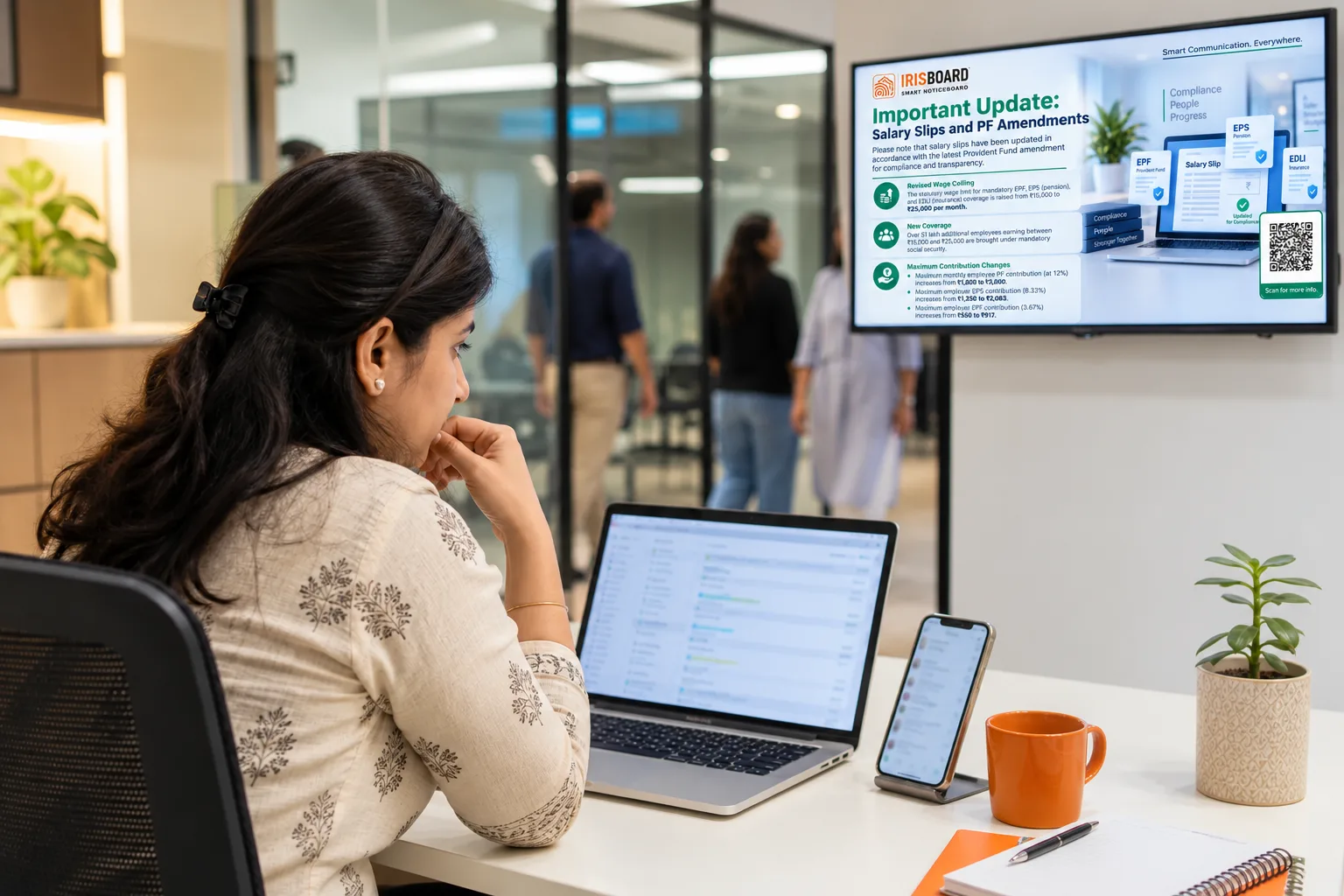
Every HR team has the same habit: send it on email, repeat it in the WhatsApp group, and print one copy for the board by the gate. It feels thorough. It is also three channels that each fail in a different way, and nobody is sure which one actually reached the person who needed it.
The honest answer to "where should HR announcements live?" is not one channel. It is a clear job for each, so a message goes where it will be seen and nobody is asked to read the same thing three times.
What each channel is actually good at
| Channel | Good at | Falls short |
|---|---|---|
| Detail, attachments, a record of what was said and to whom. | Attention. Inboxes are crowded, and many frontline employees have no company mailbox at all. | |
| WhatsApp group | Speed and familiarity. Everyone already has it open. | Privacy, control and noise. HR notices share a thread with everything else, and there is no approval step and no tidy record. |
| Paper notice board | Cheap, and always in the same place. | It goes stale. Nothing expires by itself, and a printed notice reaches one wall in one building. |
| Intranet or portal | Policies, forms and anything people look up on purpose. | People have to go and look. It reaches the already-interested, not the unaware. |
| Digital noticeboard | Shared, ambient attention. People see it without being asked to open anything. | Not for long detail, and it cannot tell you that one particular person has read it. |
Email: keep it for detail and record
Email is the right home for anything with small print: a revised leave policy, an insurance enrolment form, a letter that must be on file. It is the wrong place to rely on for awareness. A message can be delivered, filed and never opened, and the sender has no way to tell the difference between "read and ignored" and "never seen".
It also leaves out whole groups. On a shop floor, in a warehouse or on a site, many people do not sit at a computer. If a notice only exists in an inbox, those colleagues find out from someone else, later, and slightly wrong.
WhatsApp: useful, but not an HR system
WhatsApp works because it is already in everyone's pocket, and that is also the trouble. Groups are built on personal phone numbers, so joining and leaving depends on goodwill rather than on employment. Payroll dates and disciplinary reminders end up in the same thread as jokes and festival forwards. Anyone can forward a screenshot, and nobody approved the wording.
For HR matters, that is a governance problem more than a convenience one: who is allowed to post, who saw it, and what happens to the thread when someone leaves. Use it for coordination between people who already know each other, not for official notices.
Paper boards: fine, until the information changes
A printed notice is excellent on the day it goes up and misleading a month later. Nothing takes it down, nobody remembers who put it there, and a plant with three gates needs three copies printed and pinned. Paper is also single-language by default, which matters in a workforce that reads Hindi, Marathi, Tamil and English on the same shift.
The digital noticeboard: the front page of the workplace
A screen in the canteen, at the gate or by the time office is seen by everyone who walks past, in the course of an ordinary day. That is its strength: attention you did not have to ask for. A managed noticeboard adds the things the other channels lack. A notice can be approved before it appears, scheduled to start and stop on chosen dates, played on every screen in every building at once, and set in the language each site reads.
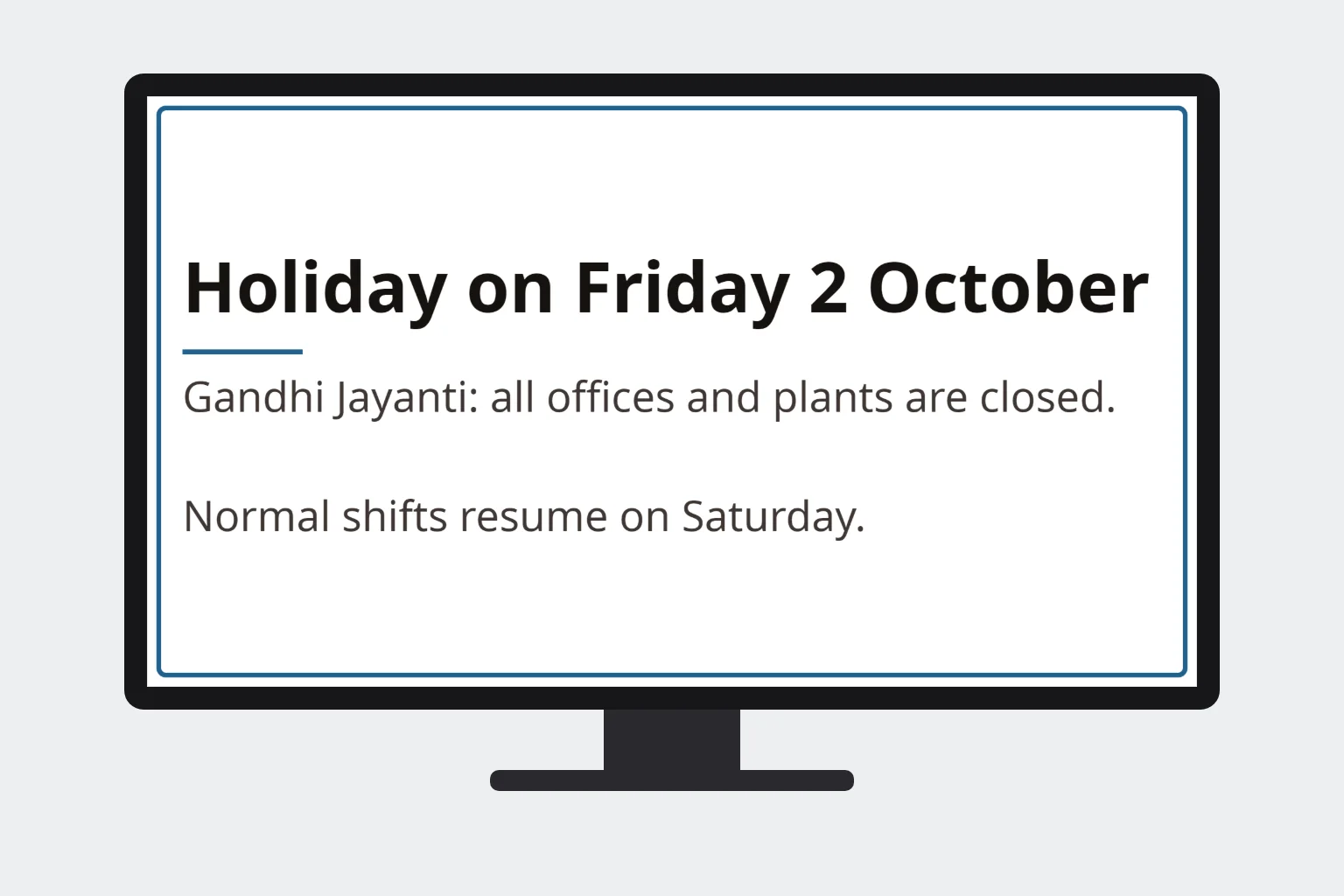
What it cannot do is carry detail or collect an acknowledgement from a named person. That is not a weakness to hide; it is the reason it works alongside the others.
A simple rule: match the message to the channel
- Everyone needs to know. Holidays, shift changes, safety reminders, celebrations, payroll dates. Put it on the screens.
- One person or one team needs the detail. Letters, forms, policy text. Send it by email, and say on the screen that it has been sent.
- It is urgent. A drill, a shutdown, a visitor. Use a flash screen that takes over every selected screen at once, and tell supervisors directly as well.
- It needs a signature or a yes. Use a form or portal, and put a QR code on the notice that opens it, so the screen does the attention and the form does the record.
The best setup treats the screen as the front page and email as the footnote: the notice is seen first, and the detail is one scan or one email away.
What changes in practice
Teams that move announcements onto a managed screen tend to find that the volume on email and WhatsApp drops, because the question "did everyone see that?" has a better answer. The work shifts from chasing to planning: a month of known notices scheduled in advance, as set out in an HR communication calendar for Indian workplaces, with the unexpected ones written as they come.
For sites where people are not at a desk, the screen is often the only channel that reaches everyone. The reasons are covered in how to reach frontline employees, and the case against paper in why paper notices no longer reach your people.