What to Put on a Canteen Screen: 15 Ideas Employees Actually Read
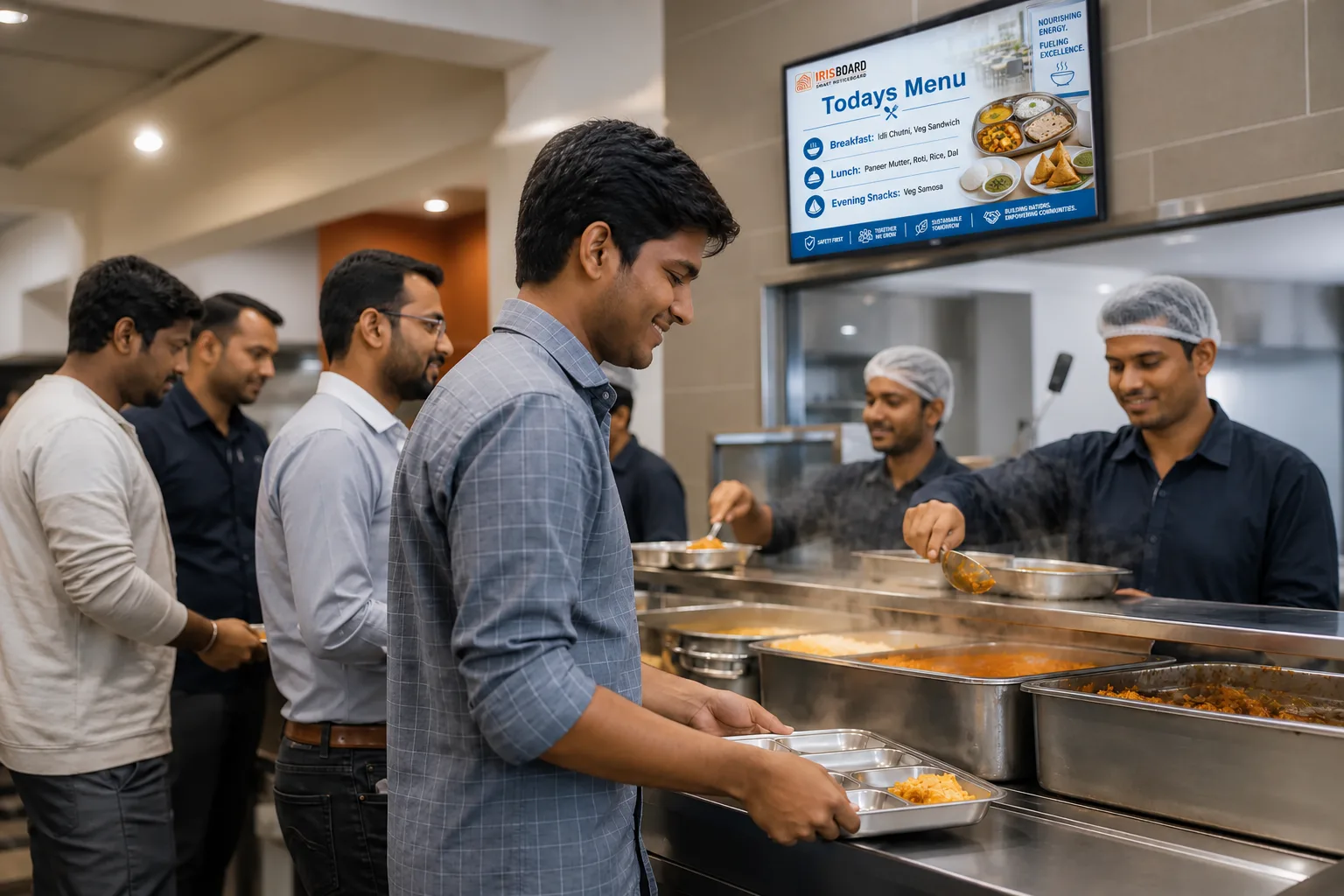
The canteen is the one place everybody visits, at a fixed time, with nothing in their hands to do for a few minutes. That makes the canteen screen the best-placed noticeboard in the building, and, left on a loop of the same three posters, the most ignored. What brings people back to look is variety and usefulness.
Here are fifteen things worth putting on it, grouped by why someone would stop to read. Mix a few from each group and the screen earns a glance every day.
Every day: the reasons to look up
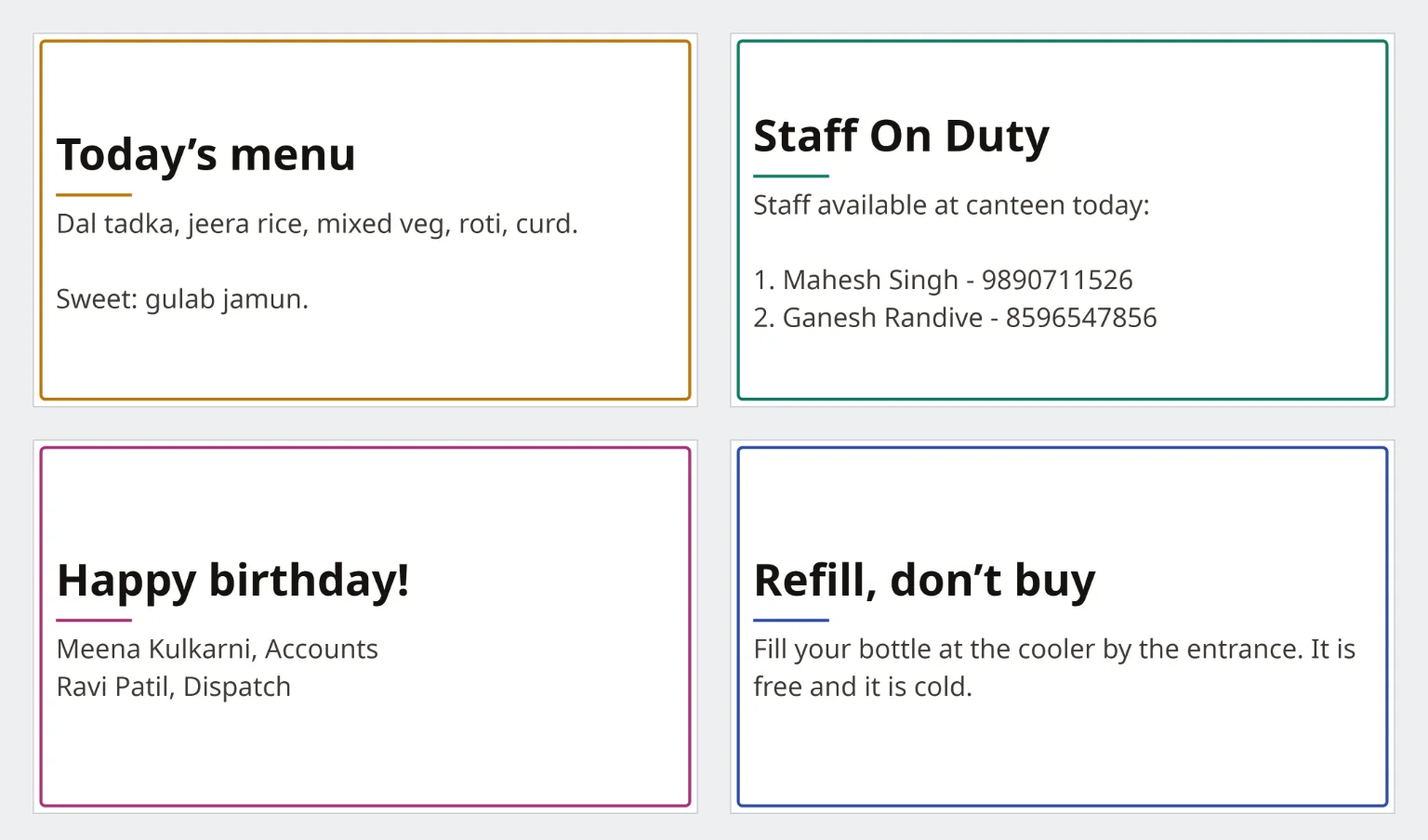
- Today's menu. The most-read notice in any canteen. Put it up before the first meal and change it daily, with the sweet or the special on its own line.
- Timings. Breakfast, lunch, tea and snack counters, and the shift change times when they differ. Useful precisely because people forget.
- Staff on duty. Who is at the counter today and how to reach them, for a special diet, a complaint or a quick question.
People: the notices people stop for
- Birthdays and work anniversaries. Names on a wall are the cheapest way to say someone is noticed.
- New joiners. A name, a team and a welcome. It helps colleagues know who to say hello to.
- A shout-out. One person or team thanked for something specific, with a line about what they did.
- A festival greeting. On the day, in the language people use at home, with a note of any change in timings.
Useful: what people would otherwise have to ask
- The holiday list. The next holiday and the one after, not the whole year's table.
- Payroll and reimbursement dates. Salary credit date, cut-offs, last day to submit a claim.
- Transport and shuttle timings. Especially when they change for a festival or a road closure.
- Health camps and checkups. What, where, when, and whether to book.
- Helpline and emergency numbers. Security, medical room, HR desk. Put them where people eat, because that is where they wait.
Light: the reason to keep watching
- A safety or wellbeing tip. One line, rotated weekly: drink water, take the stairs, stretch at your desk, wash your hands.
- A question of the day. A quick quiz, a riddle or a "did you know" about the company or the plant. Put the answer on the next slide.
- A photograph. From an event, a team outing or a plant milestone. People look hardest at pictures of themselves.
How to keep it readable
- One idea per screen. A big headline, one or two lines underneath, and nothing else competing.
- Short slides. A few seconds each is enough for a headline; a menu with several lines needs a little longer.
- Plan by time of day. The menu and timings before lunch, birthdays and thanks while people queue, safety and notices at shift change. Scheduling by hour means the right notice is on the screen when the room is full.
- Their language. A canteen is often the most mixed room in the plant. Rotate the same message in each language people read.
- Ask for something. A QR code on a notice can open a feedback form, a menu suggestion or a sign-up. A screen people can answer is a screen people watch.
The test of a good canteen screen is simple: ask someone at the table what was on it yesterday. If they can tell you, it is working.
Keeping it fresh without a full-time job
Most of these notices repeat: the menu daily, the birthdays weekly, the tips monthly. Write them once, schedule them, and let them start and stop on their own, as set out in an HR communication calendar for Indian workplaces. Spend the saved time on the ones that cannot be planned: a thank-you, a photograph, a last-minute change.
For more on what belongs on the wider noticeboard, see 12 HR announcements that work better on a smart noticeboard.